Location Groups
Meeting locations in Ordinate can optionally be grouped into Location Groups. A Location Group is a set of locations that share a common purpose or visibility rules, giving you more control over how meeting spaces are managed.
Purpose of Location Groups
Location Groups have two key purposes:
- Customizing Permissions: You can control which user roles can view or access certain locations. For example, you might wish to restrict visibility of the CEO's office and its meetings to specific users. By placing it in its own Location Group, you can manage which roles are permitted to see or book that space.
- Selecting Meeting Preferences: Location Groups can be used to allow users to express preferences when requesting a meeting, without committing to a specific space. For example, users might indicate a preference for private rooms or open space tables, and this preference can be considered when automatically allocating meeting locations.
Usage
Using Location Groups is entirely optional, and each location can only belong to one group at a time. However, if you choose to use Location Groups, it is recommended to assign all your locations to a group—particularly if you are managing different user roles with varying levels of access.
Creating and Managing Location Groups
To create and manage Location Groups:
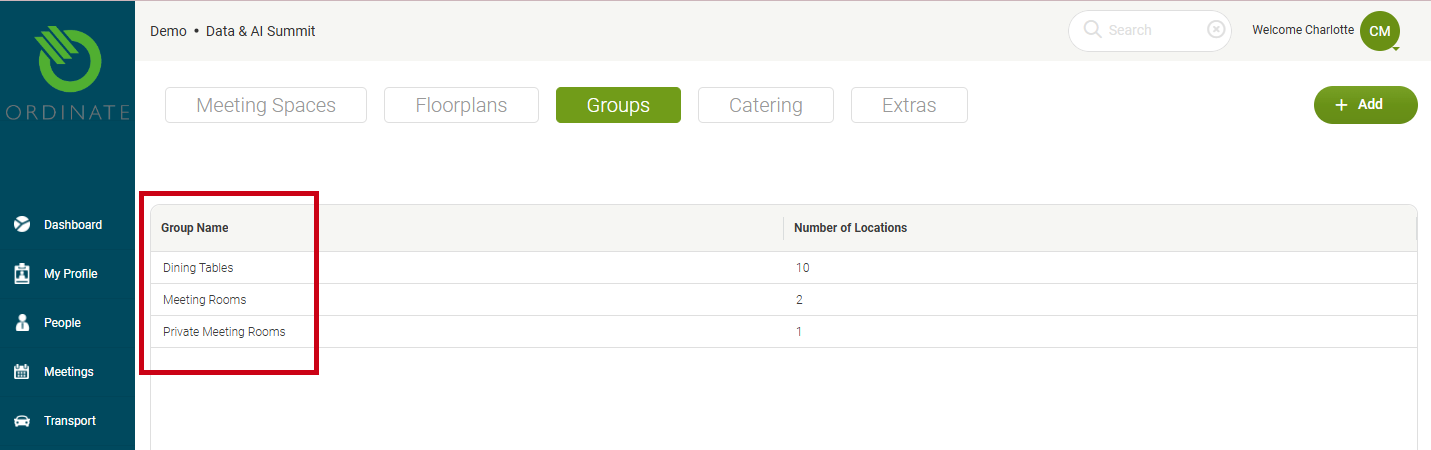
- Go to Settings > This Event > Meetings > Groups.
- Click +Add to create a new label for your group.
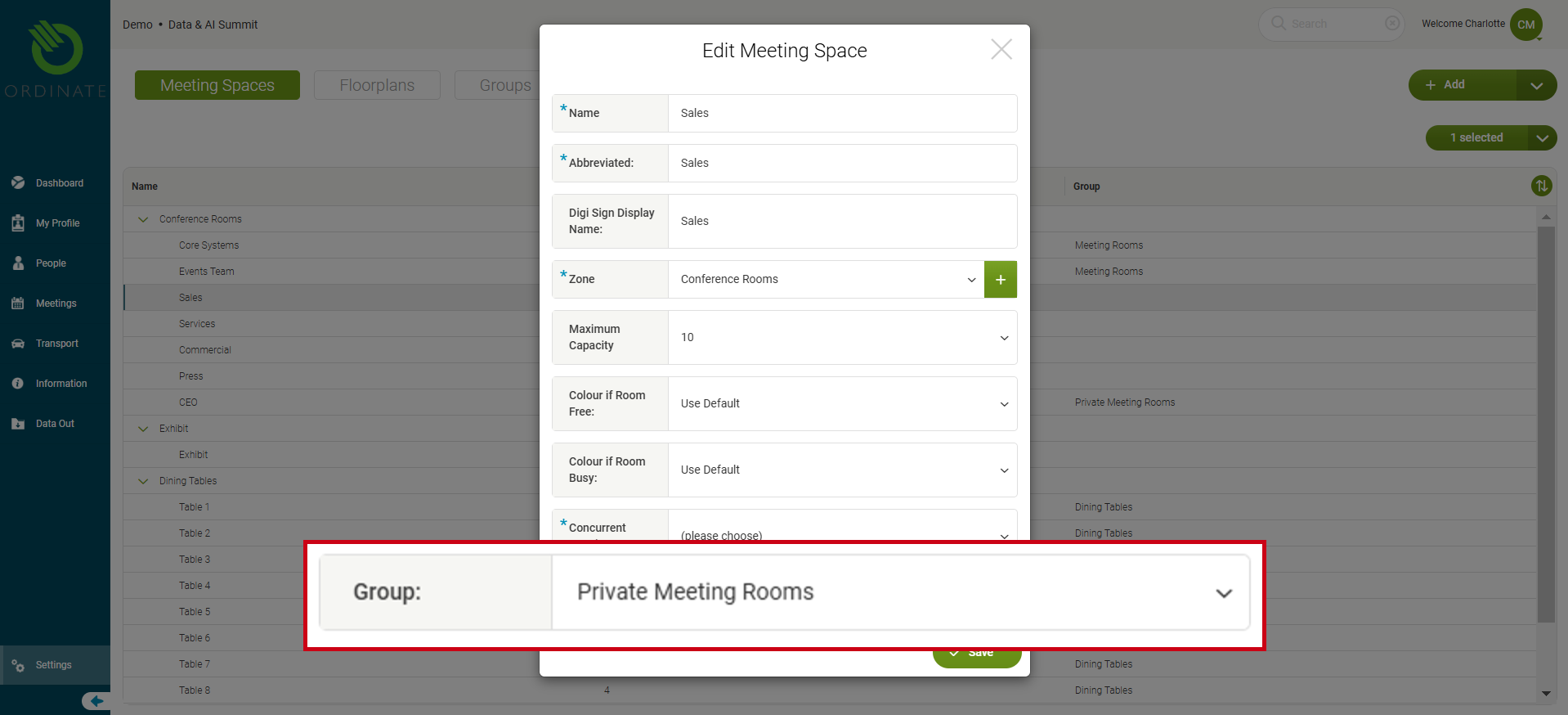
- You can now edit your meeting spaces to assign them to the appropriate group.
(screenshot)
Location Groups vs Zones
While Location Groups and Zones may appear similar, they serve different purposes. The table below highlights the key differences:
| Location Groups | Zones |
|---|---|
| Meeting locations do not have to be in a group. | Meeting locations must be in a zone. |
| Locations in a Group can be anywhere in the event space and represented on any map (floorplan). | A zone cannot be split across maps (floorplans). Locations sharing a zone are usually in close proximity to one another. |
| You can selectively control the visibility of a Location Group to users. | All users can see all zones. |
| You cannot filter the meeting list and calendar by group. | The meeting list and calendar can be filtered to display meetings from specific zones. |
Location Groups are ideal for managing permissions and meeting preferences, while Zones help organize spaces that are physically close together and are used primarily for filtering.