Finding and Managing People
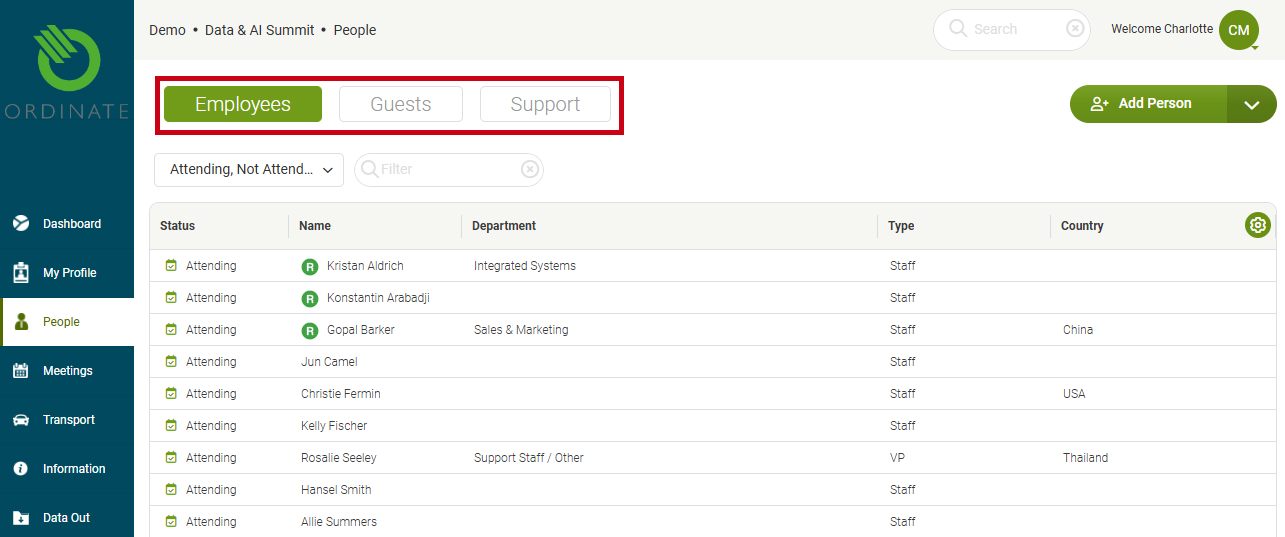
In Ordinate, people can be accessed and managed via the People menu. This section includes three tabs: Staff, Guests, and Support. Each list can be filtered by registration or attendance at the current event and supports text search.
- Staff and Support load immediately, while Guests require a search or selecting Load All Guests, though this may be slow for large datasets.
(Screenshot placeholder: People menu with tabs for Staff, Guests, and Support)
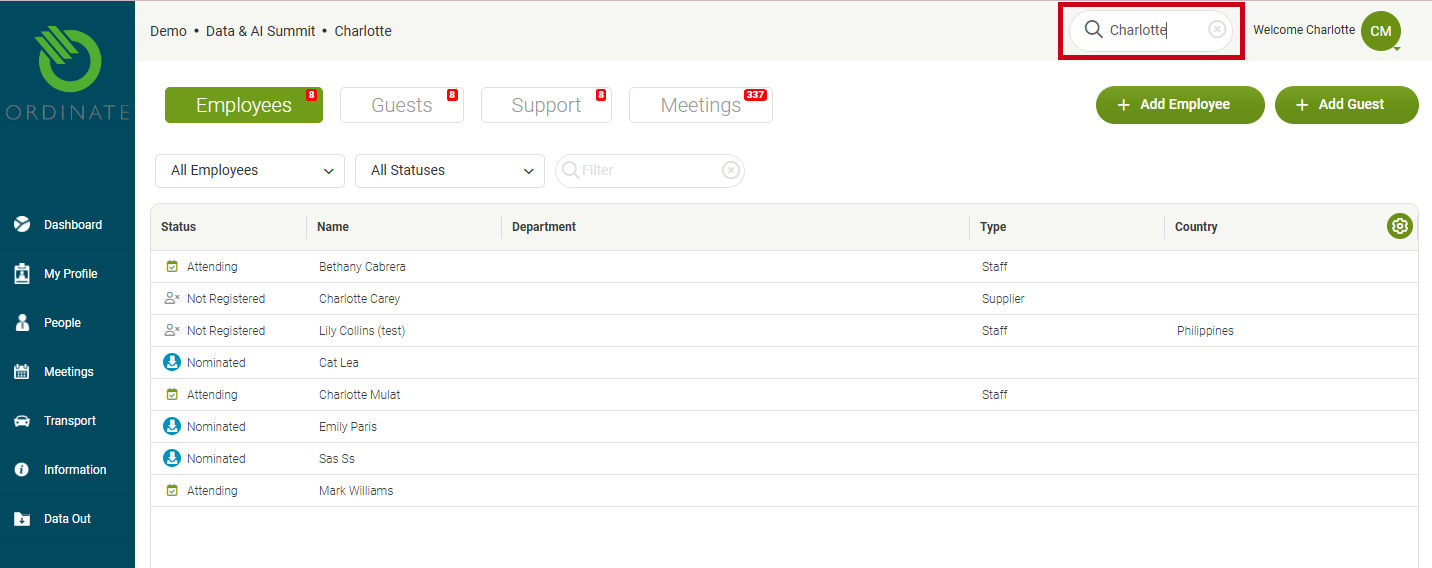
Additionally, a unified search box at the top of the screen allows you to search across all people and meetings, with results shown in separate tabs.
(Screenshot placeholder: Unified search bar results showing people and meetings tabs)
Customizing the People List
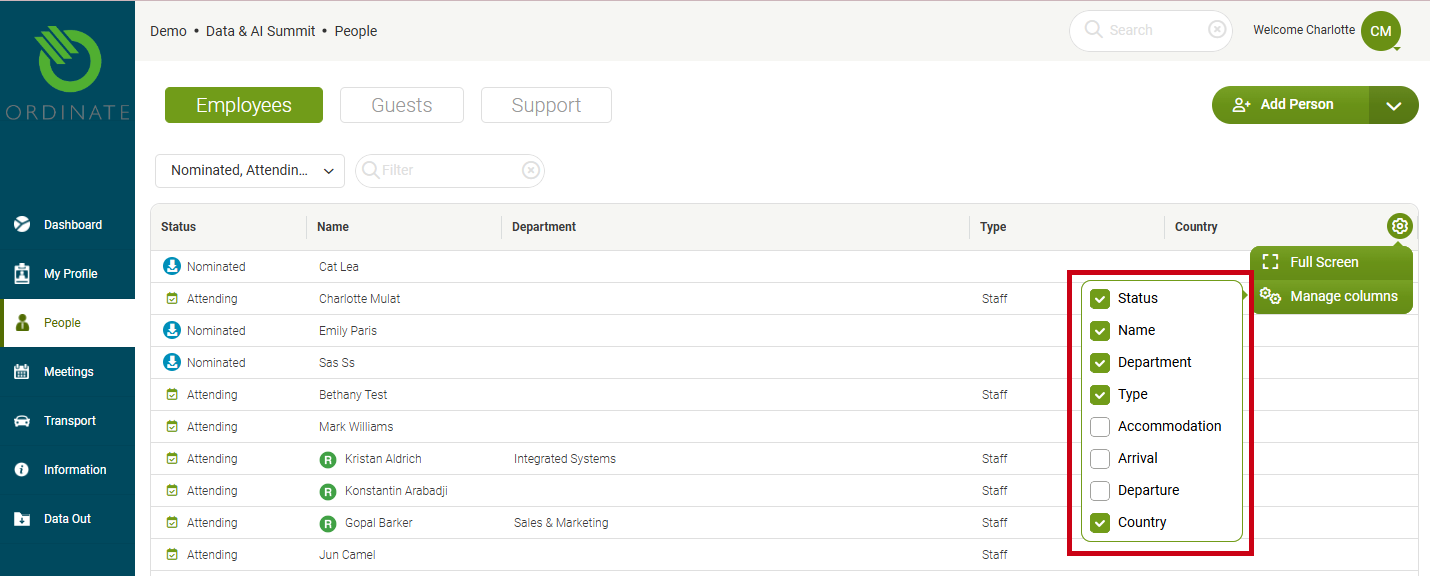
You can manage which columns are shown in the list by clicking the settings cog icon in the top right corner of the list. This allows you to customize the visible information for easier tracking.
(Screenshot placeholder: Cog for column management)
Actions and Bulk Operations
Right-click for a context menu, or once rows are selected, a dropdown labeled N people selected appears, providing actions (depending on the status of the selected people and your permissions) such as:
- View profile
- Send email or SMS
- Register for event
- Flag activity
You can also select multiple people by clicking on rows and then perform bulk actions such as sending messages to multiple people at once.
(Screenshot placeholder: Context menu options and multi-select functionality)
My Profile
The menu option My Profile takes the user straight to their own profile view without needing to navigate through the list of people.