Credentials and Contact Details
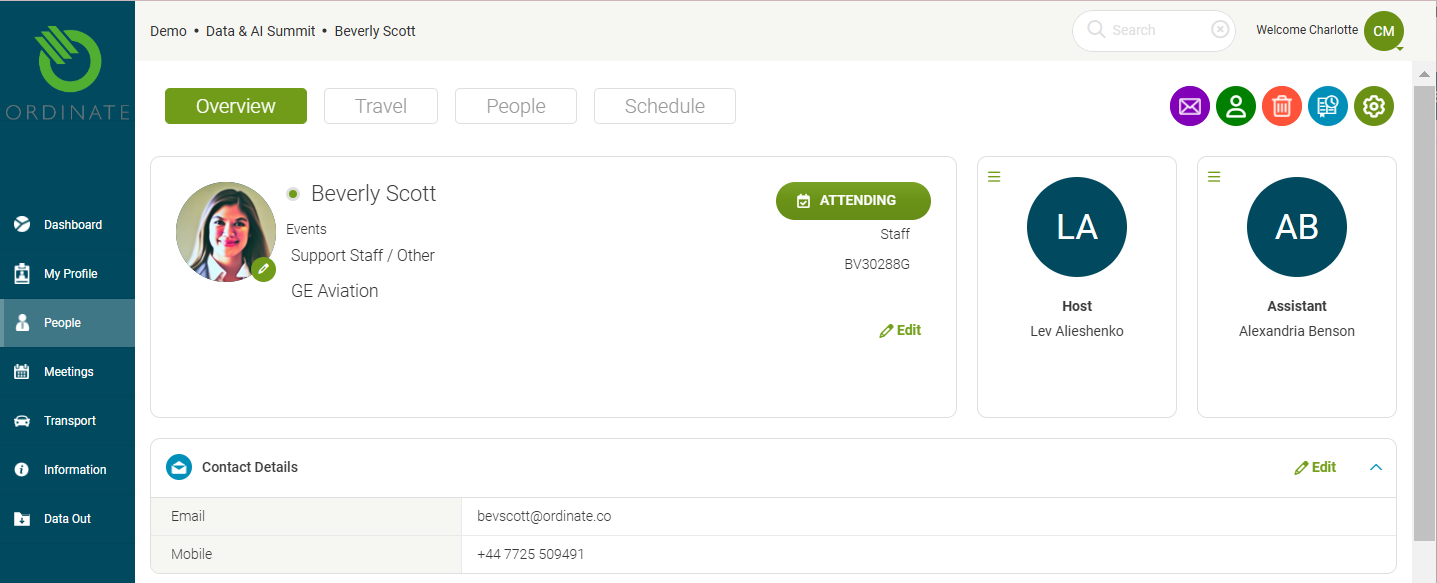
The Overview Tab in a staff member’s profile displays key credentials and contact information.
Credentials Panel
This top panel shows the staff member’s basic details. It can include, for example:
- Name
- Department
- Company/Organization
- Country
- Email address
The panel can display a profile photo (See details on [Profile Photos] LINK) and a button showing their registration/attendance status for the active event (editable by those with permissions).
Contact Panel
This section captures:
- Address
- Landline phone
- Mobile (cell) phone
- Email address
(Screenshot placeholder: Credentials, Contact, and Assistant panels)