Ground Transportation
Within the Travel Tab of an attendee’s profile, you can view or manage ground transportation details. This area provides several features related to transport, depending on what is enabled for your event.
Airport Transfers
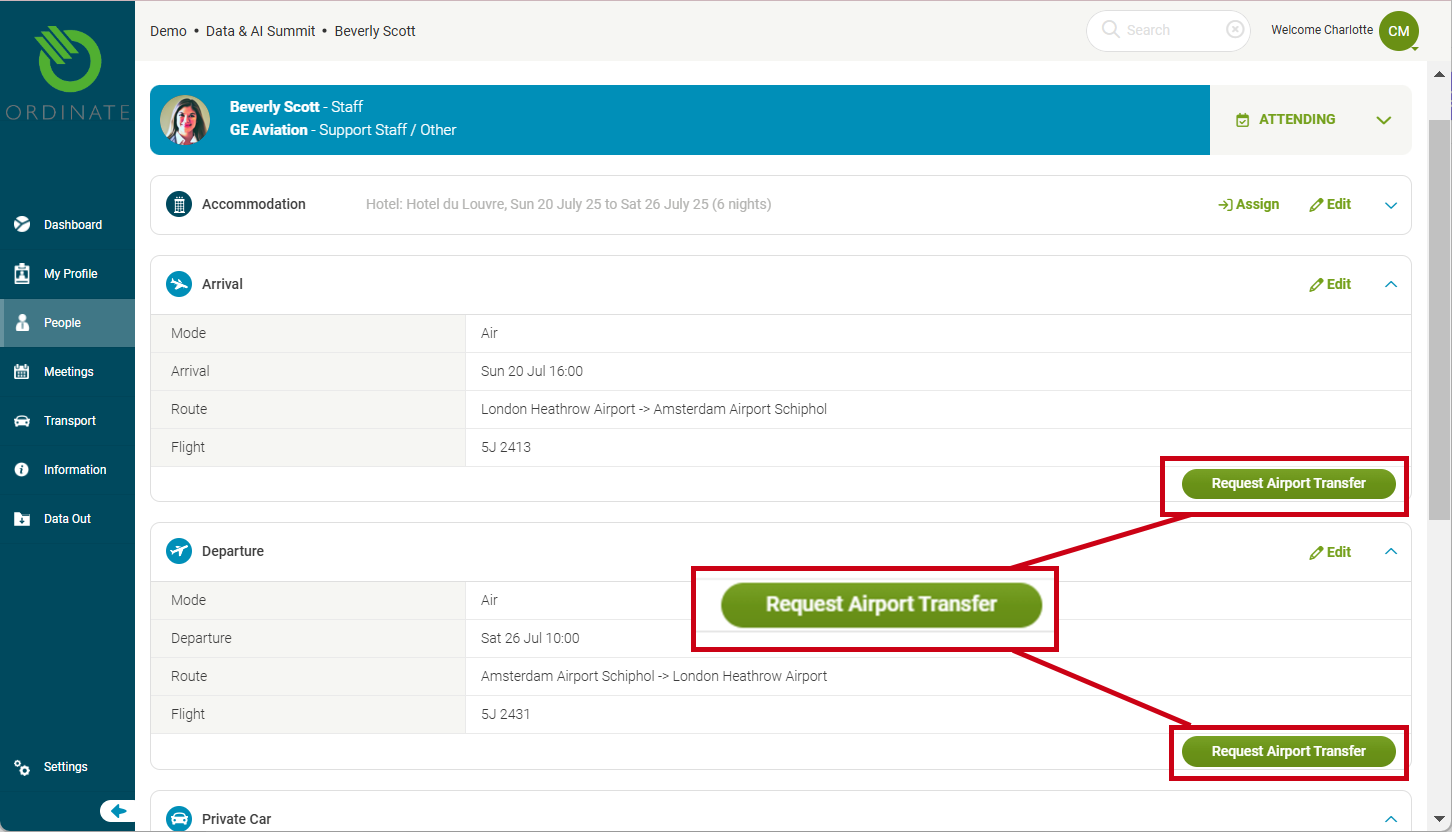
If you permit it, attendees or admins can request an Airport Pick-up or Drop-off based on the flight details provided in the system:
- Pick-up: confirm the time and date, and choose the destination (selected from pre-configured locations such as venues, hotels, or airports).
- Drop-off: Select the pick-up point. A time/date based on the flight time will be pre-selected but can be adjusted.
The available locations are managed in Hotels and Transport Destinations sections of Settings > This Event, along with the event venue itself..
(screenshot)
Private Car
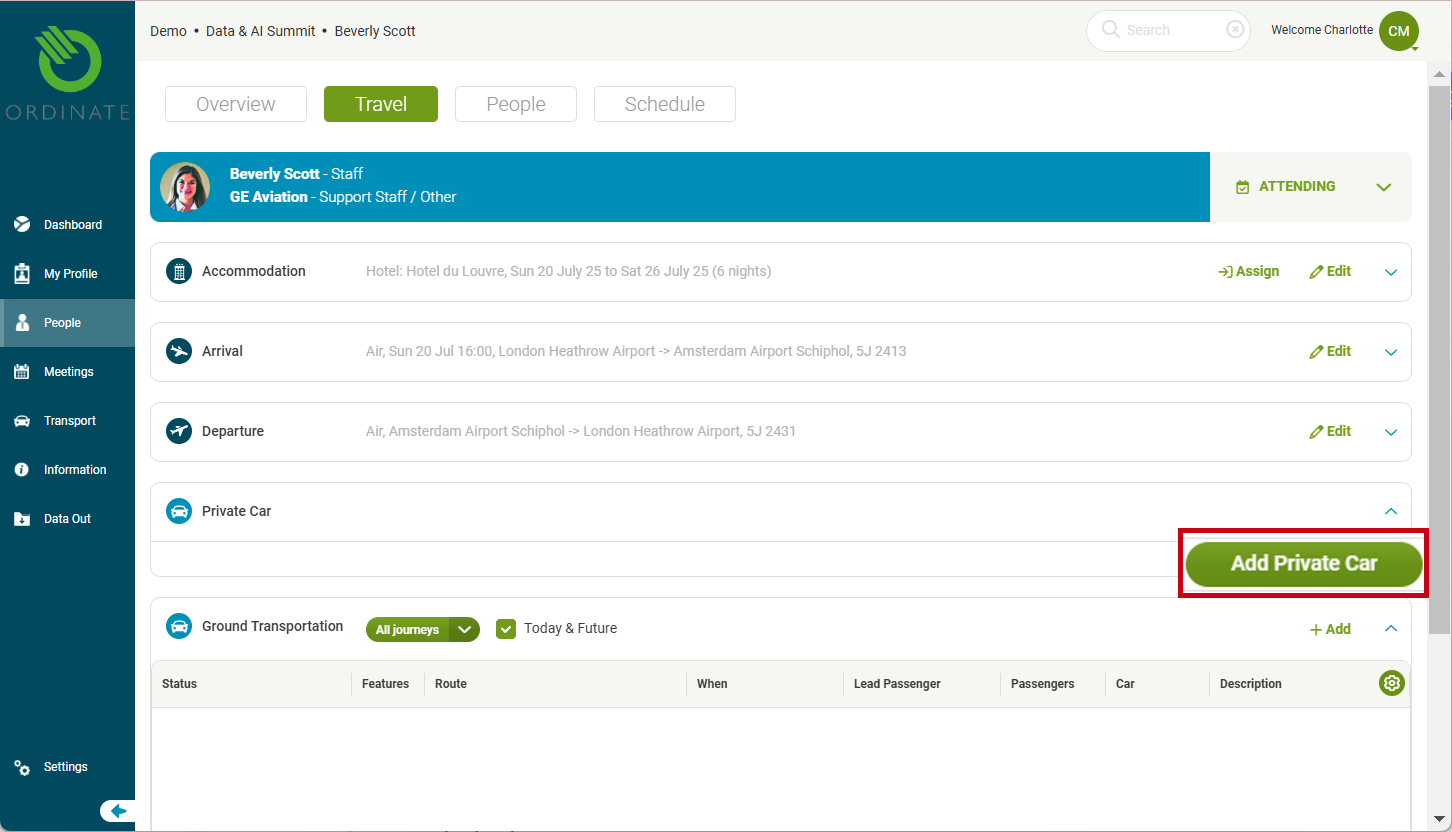
A private car can be assigned to an attendee. This will be shown in the Private Car section. Admins can assign a car by clicking Add Private Car.
(screenshot)
Info
Private car assignments are typically managed by an admin, but can be configured as desired.
Transport List
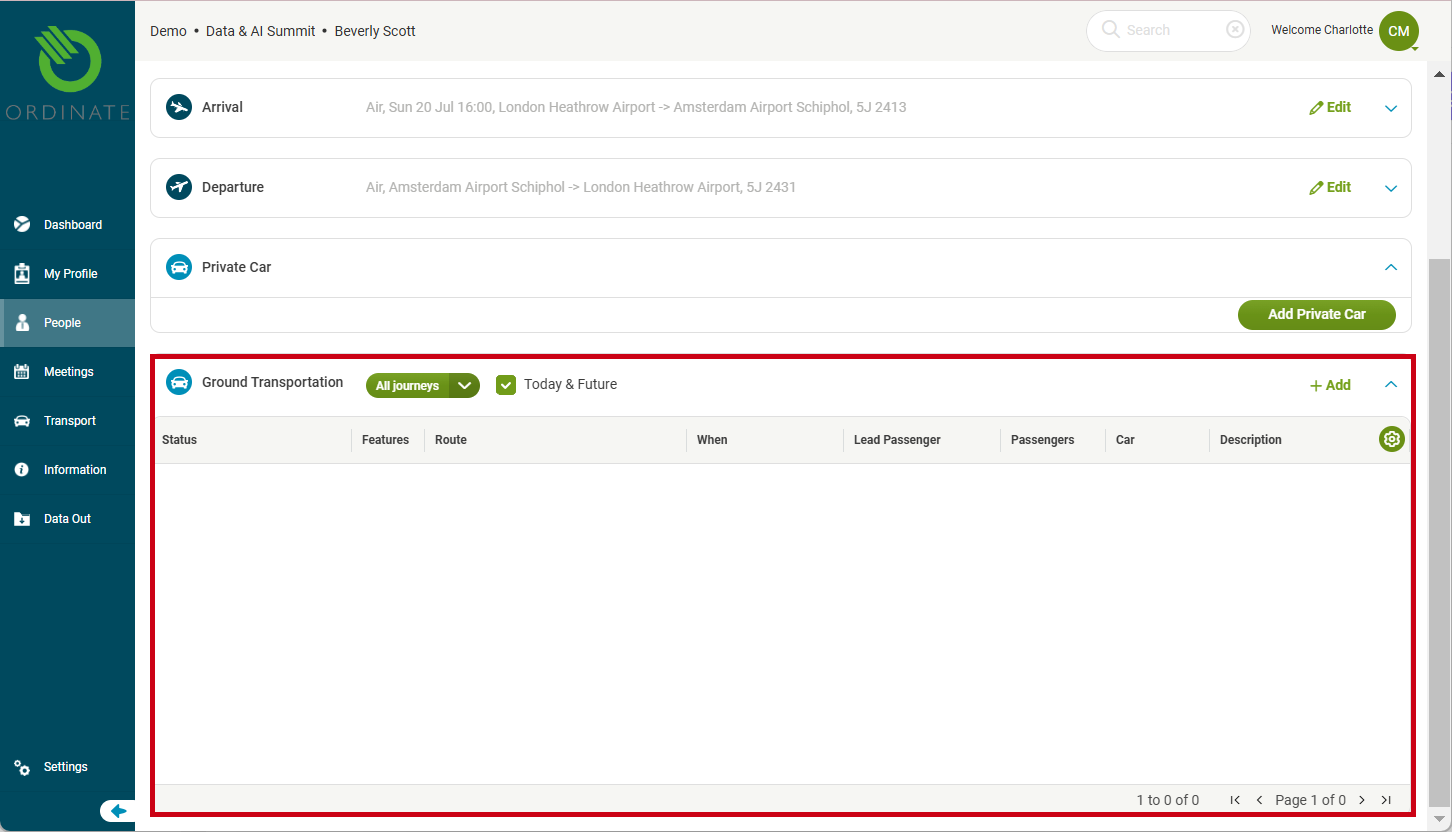
The Ground Transportation List offers an overview of all the arranged transport for the individual. Here, you can view scheduled journeys, including status, route, and passengers involved.
(screenshot)