Hosts
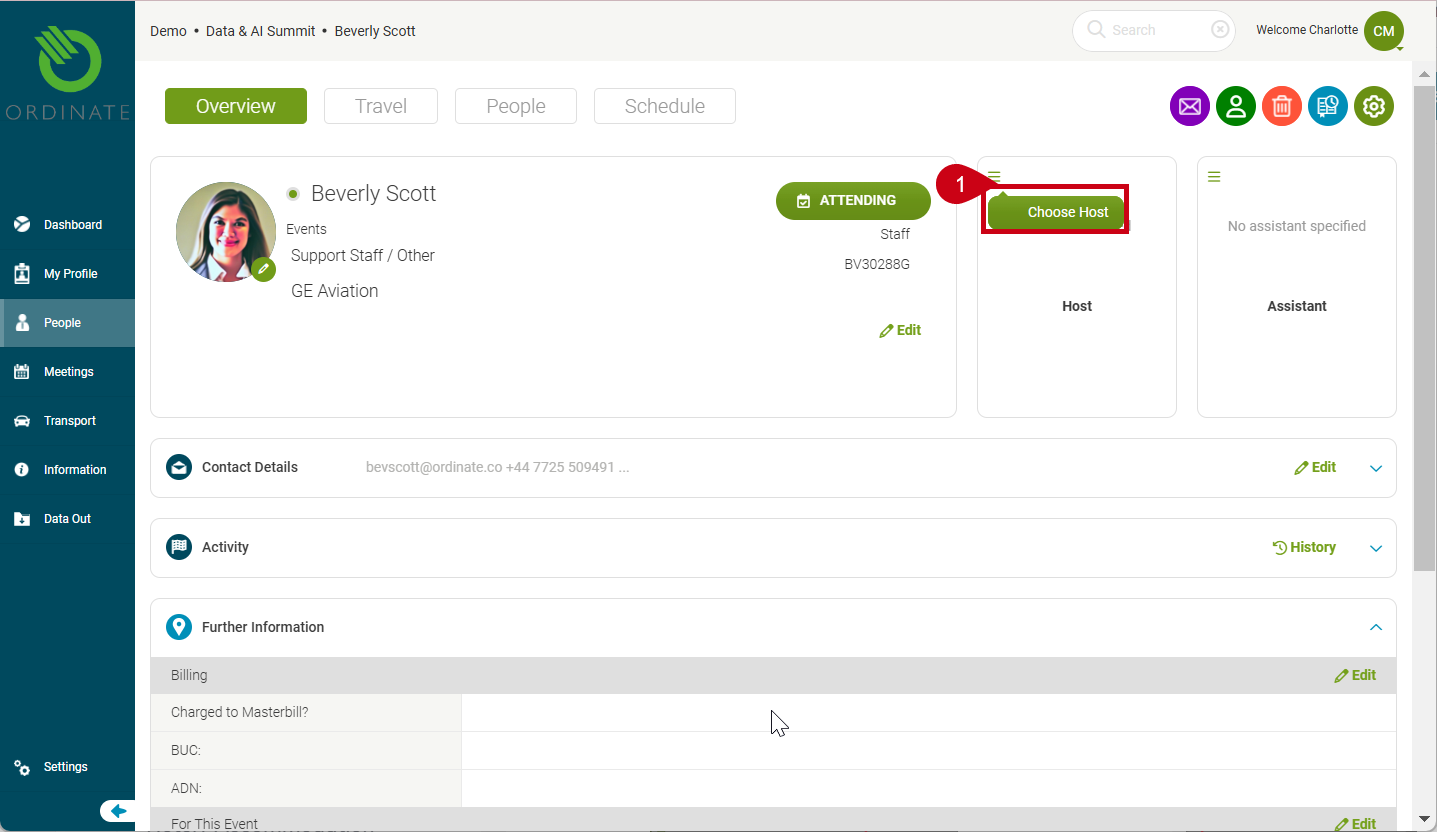
The Host panel in Ordinate allows you to assign a host giving responsibility to an attendee for (usually) a guest.
Choosing a Host 
To assign a host:
- Click Choose Host in the host panel.
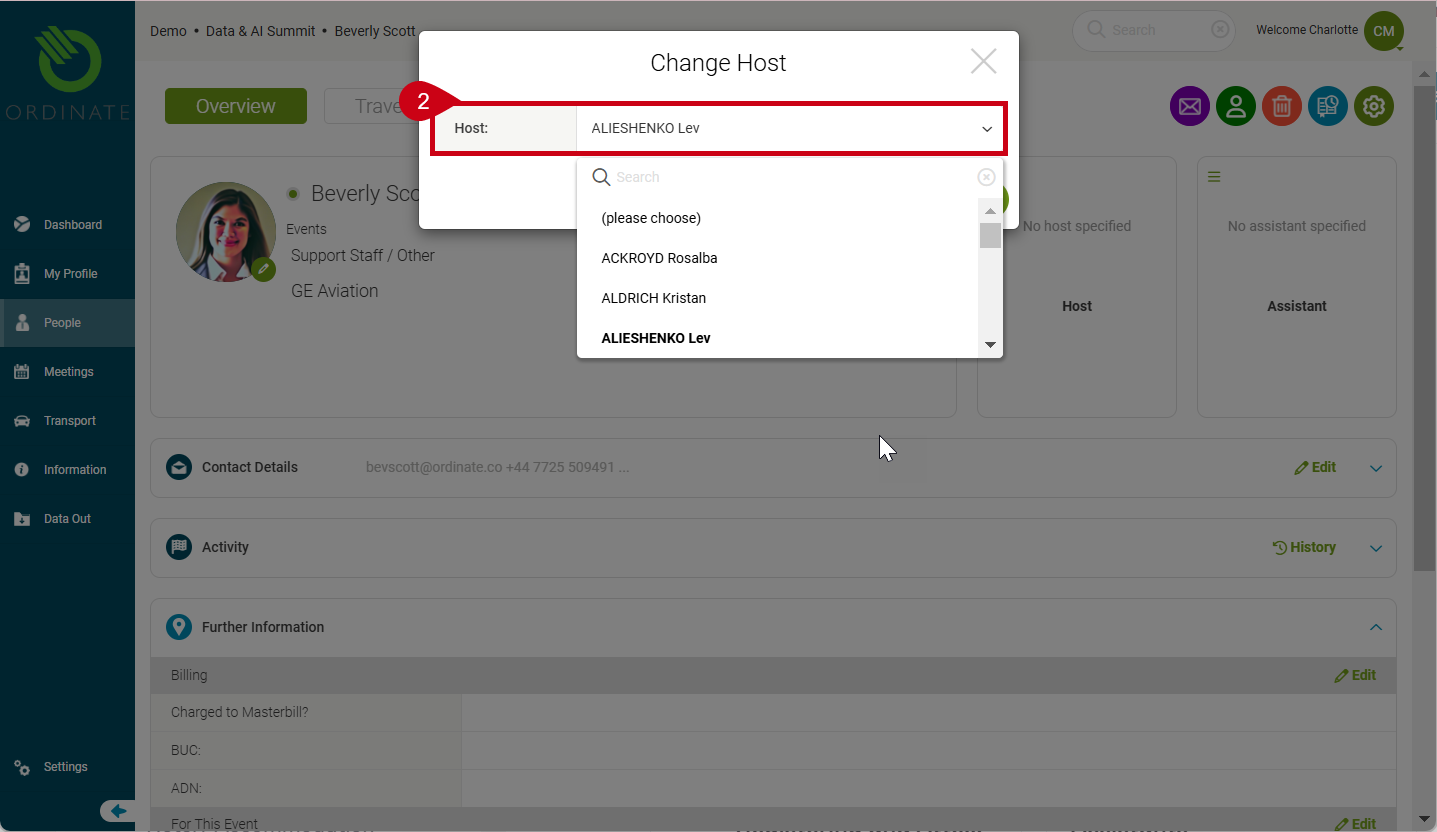
- A dialog box will open, allowing you to search and select a staff member from a dropdown list.
- Once selected, the host's name and job title will appear in the profile.
(Screenshot placeholder: Choosing a host)